
Alpas Films
Color
Grading
The masterclass, the tools, and the grades behind the work. Everything here comes out of real client projects, not theory.
The Course
Color
Masterclass
A complete path from a flat log image to a finished grade, in five lessons and about one hour. No filler: you watch the exact workflow I run on commercial work, from the node tree down to the last texture pass.
SHOPThe Reviews
In Their Words
Every review here comes from a filmmaker who bought the LUTs, the DCTLs or the masterclass and put them on real work.
Amazing amount of information and well explained in the total hour of viewing. I’m normally quite apprehensive to purchase courses but I genuinely couldn’t recommend it highly enough. On top of this, the many questions I’ve had got a rapid email back with instructions and polite conversation. 10/10
Seamus R.
Watched it in one evening, then went back through it with Resolve open. Having the actual PowerGrade to poke around in made a big difference for me.
Sophie L.
Originally bought it for the film looks, but got more out of the walkthrough than I expected. I like that he gets straight into it. Easy to follow without dragging things out.
Daniel B.
I’ve ended up using these more than I thought I would. They fit nicely into the way I already grade, so I didn’t have to rethink my whole setup.
Chris B.
Your Review
How Did It Grade?
Thank You
Your review is in. It shows up on the page once JB has read it.
The Film LUTs
Six Looks. Every Kind of Light.
Six finished looks, clean daylight to dense night, designed and refined on real productions. Pick a look below and drag the frame to compare it against the ungraded Rec 709.
Six looks in Rec 709 and DaVinci Wide Gamut versions, twelve files in all. Works in Resolve, Premiere and Final Cut, including free Resolve.
Get the LUTsAlpas Tools
The DCTLs
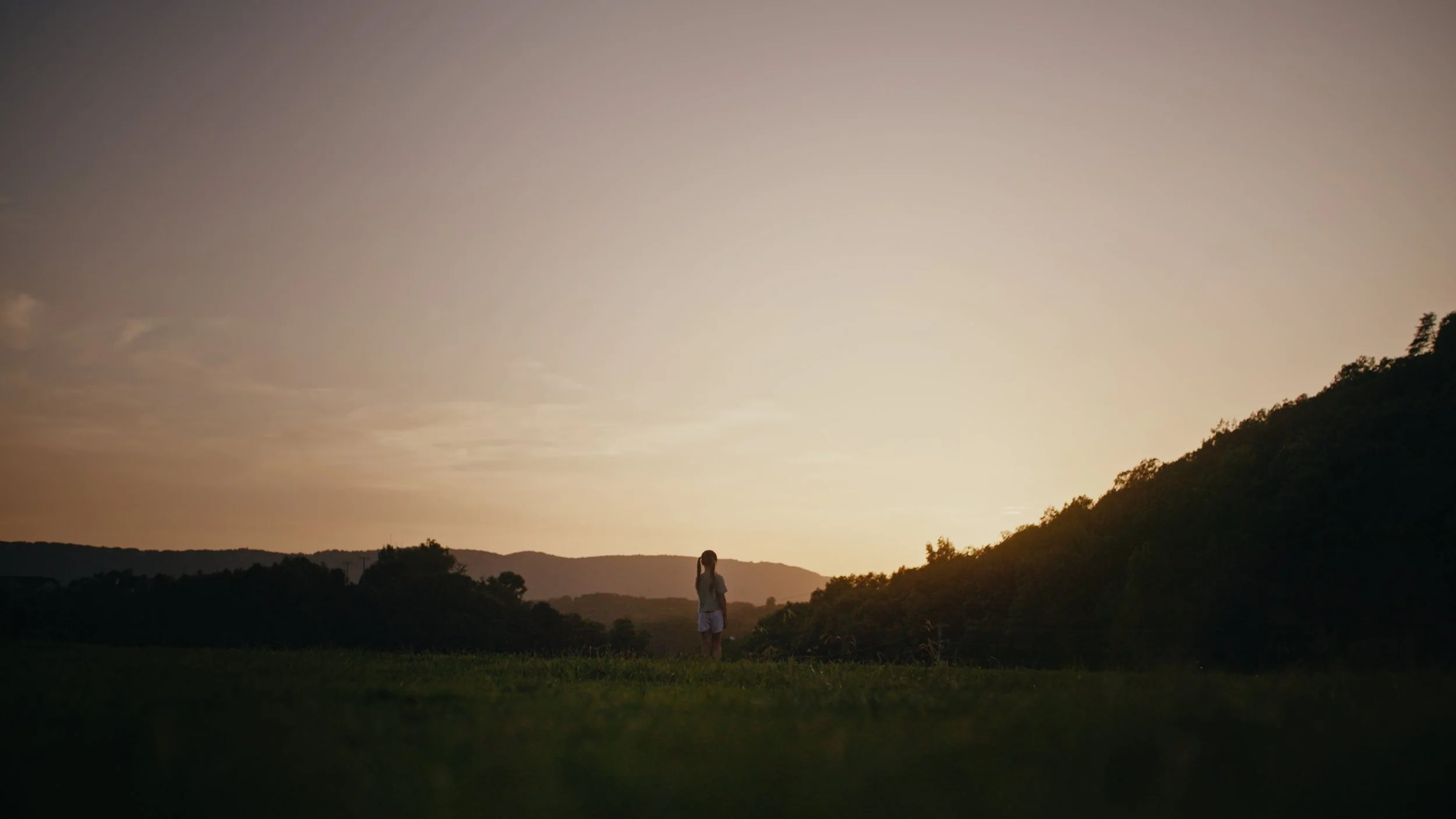
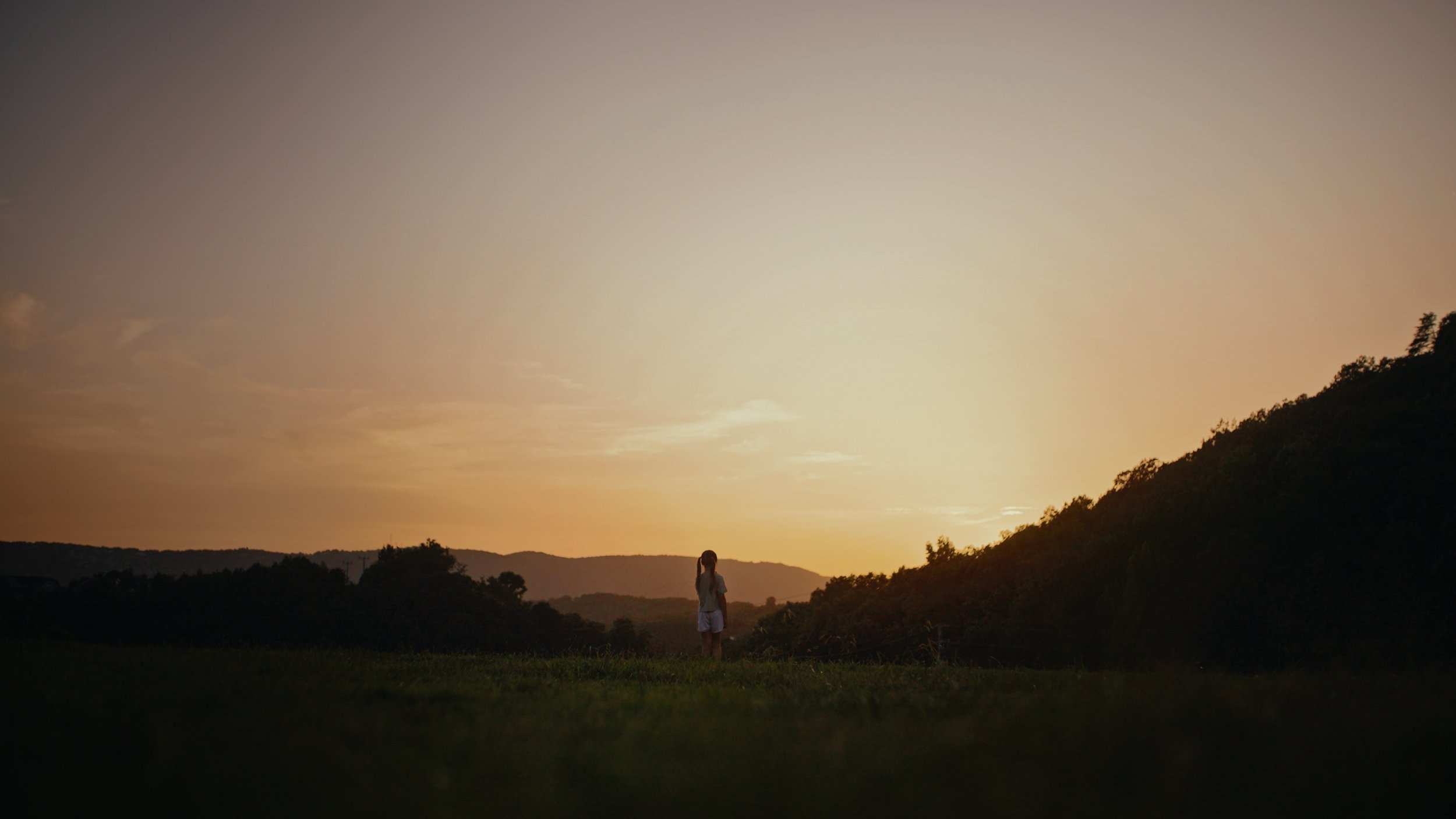
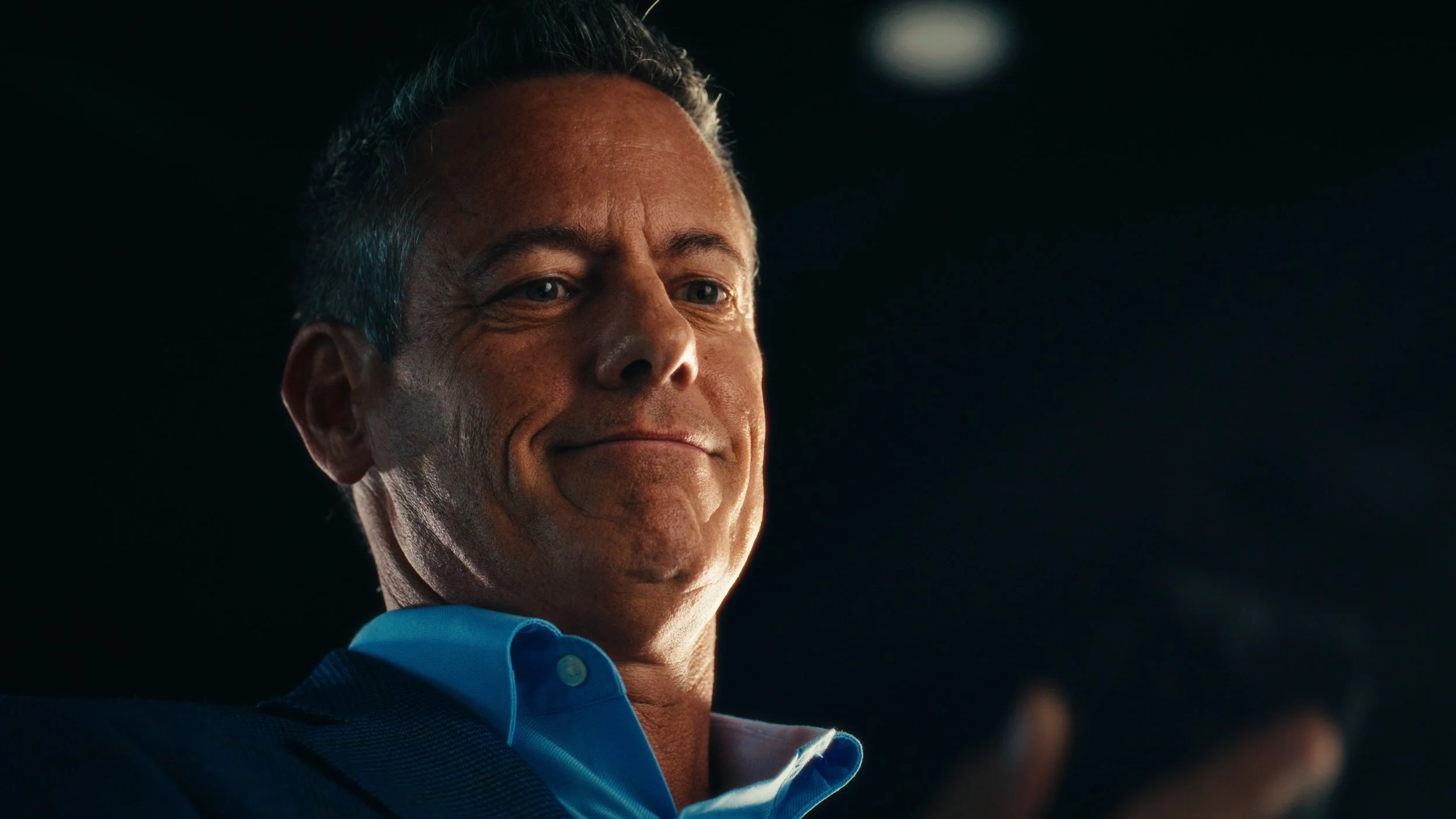
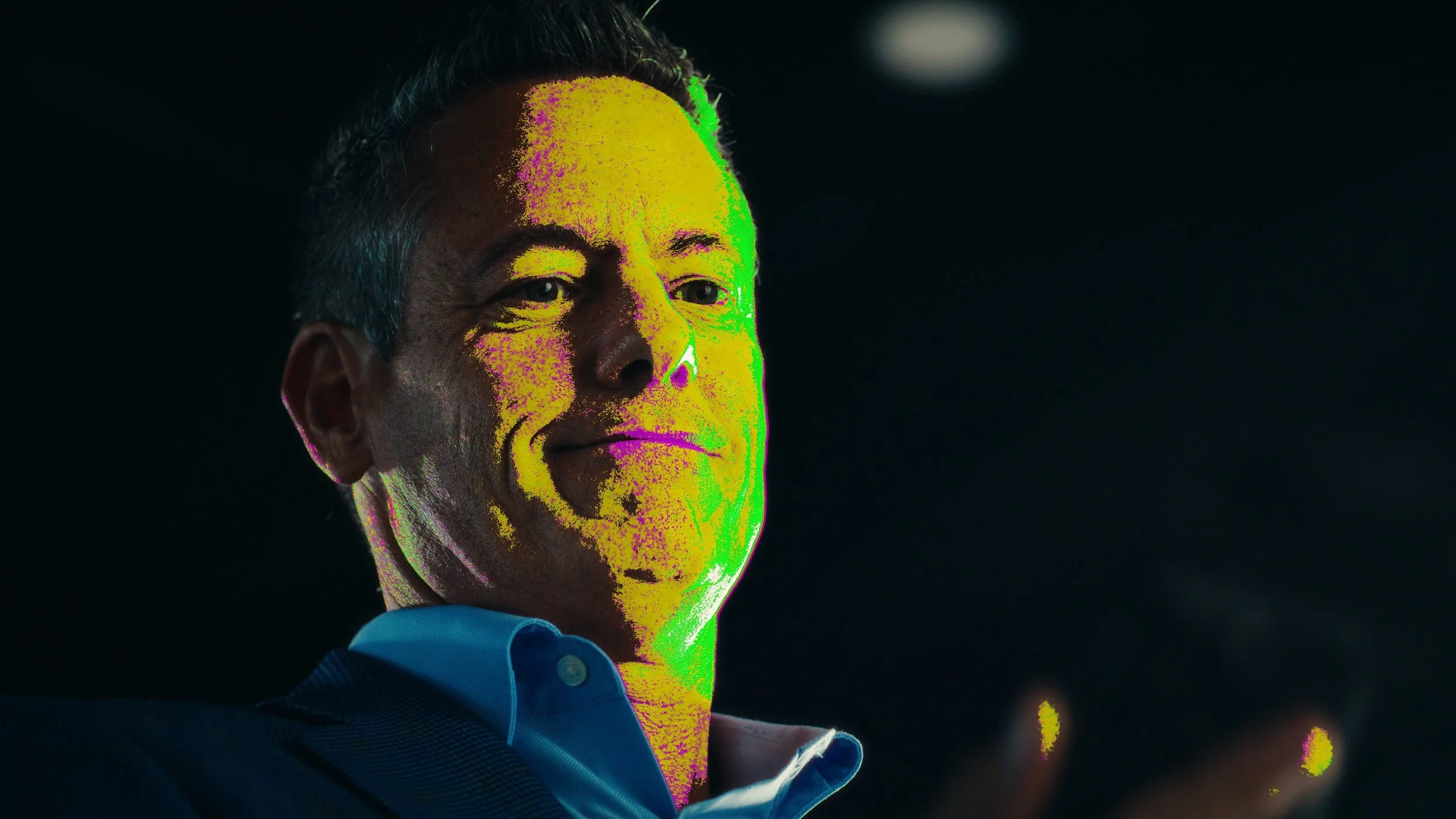
Five tools for DaVinci Resolve Studio. One system: a density engine that shapes the image, and four diagnostics that show you what it is actually doing. Drag any frame to compare off and on.
Alpas Density
Seven hue targeted vectors: red, yellow, green, cyan, blue, magenta and global. Each slider deepens its color the way print film does, darker and richer, with neutrals and skin protected.
Skin Check
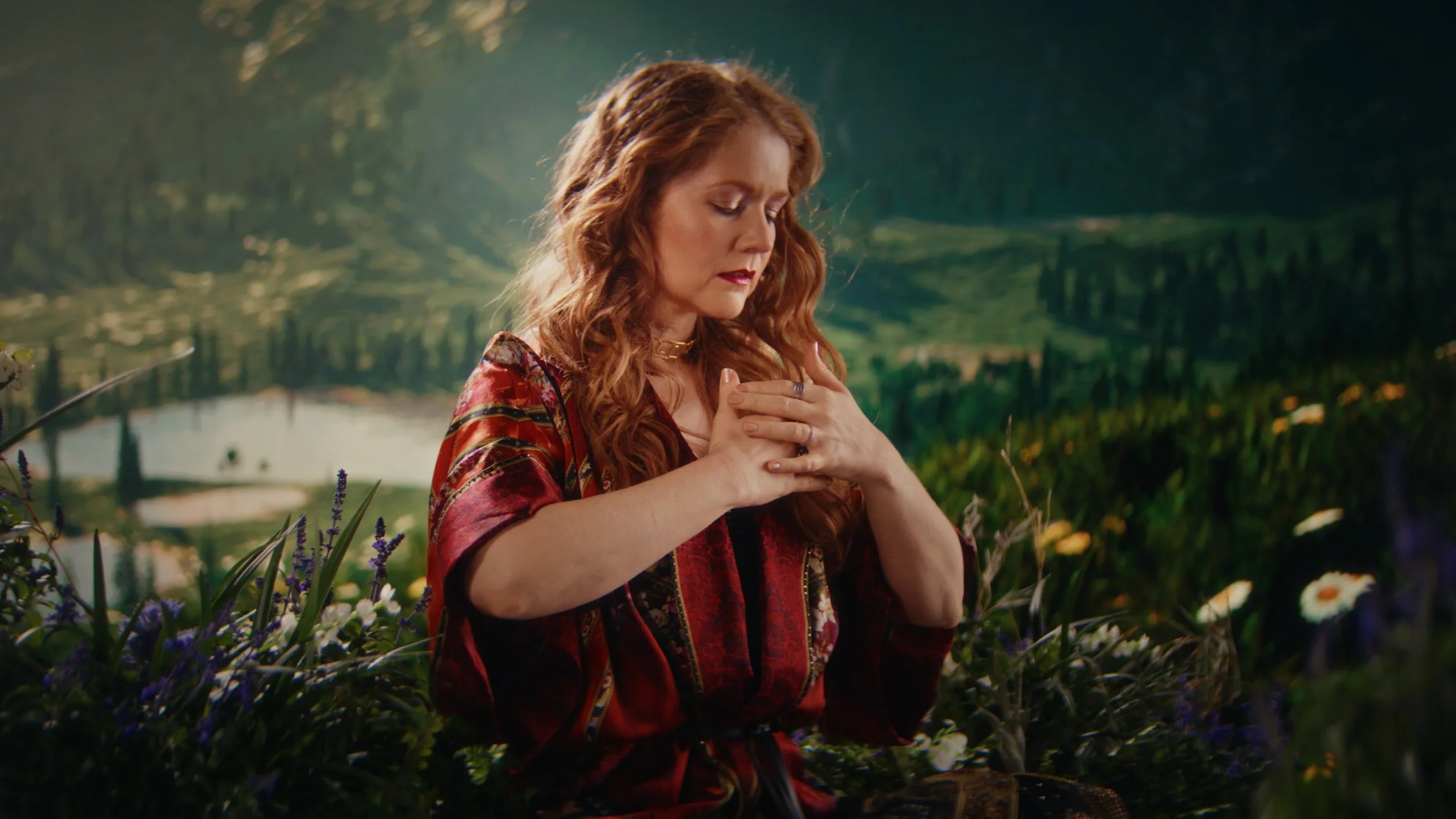
Analyzes skin in the frame and shows you exactly where it sits. Set the tolerance, turn the overlay on, and protect skin with certainty instead of squinting at a vectorscope.
Contrast Zones
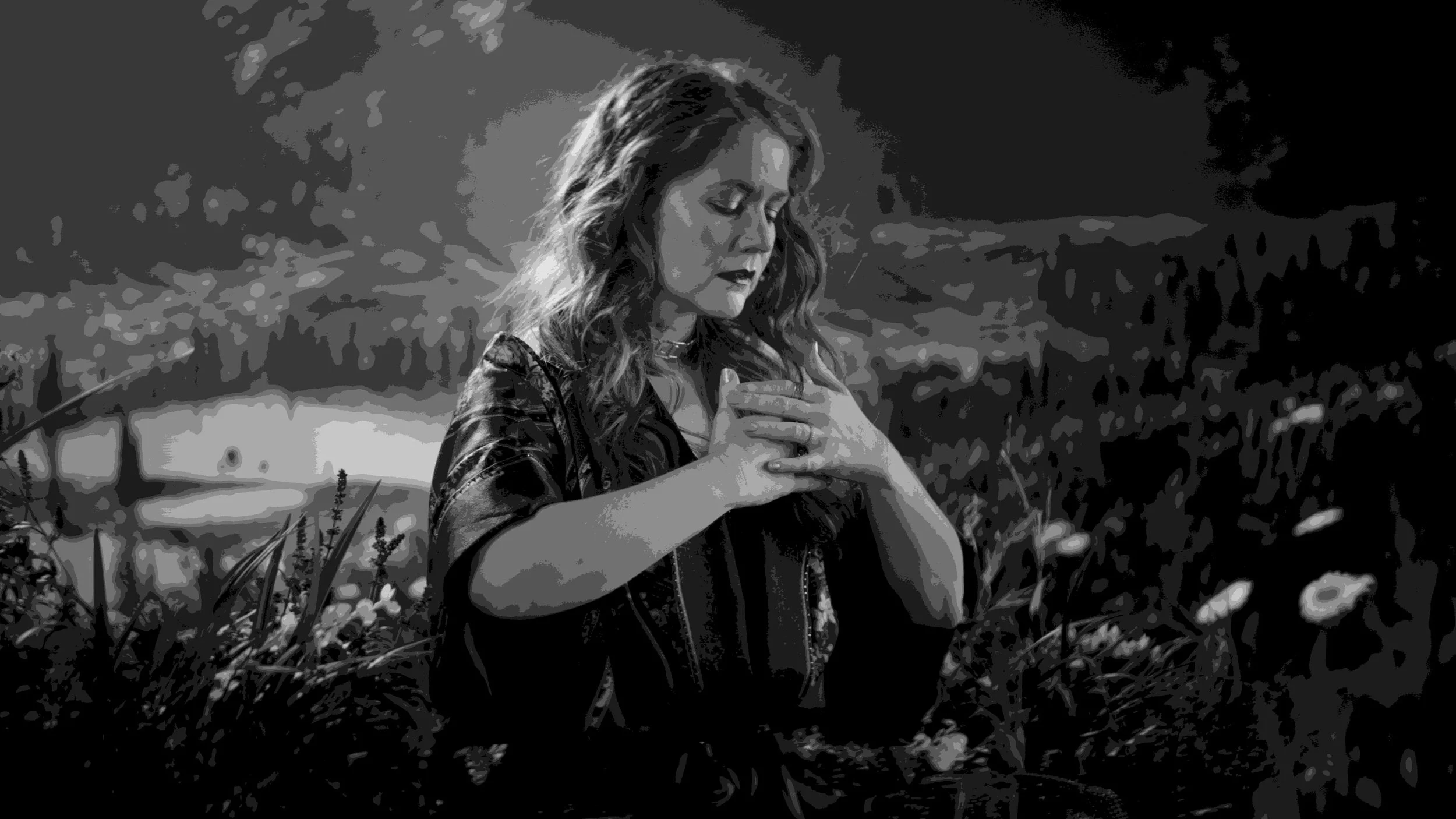
Your tonal balance laid out in flat luma bands. Set how many zones you want, switch the mode, and the clip warning flags anything crushing or blowing out. Contrast you can see instead of guess.
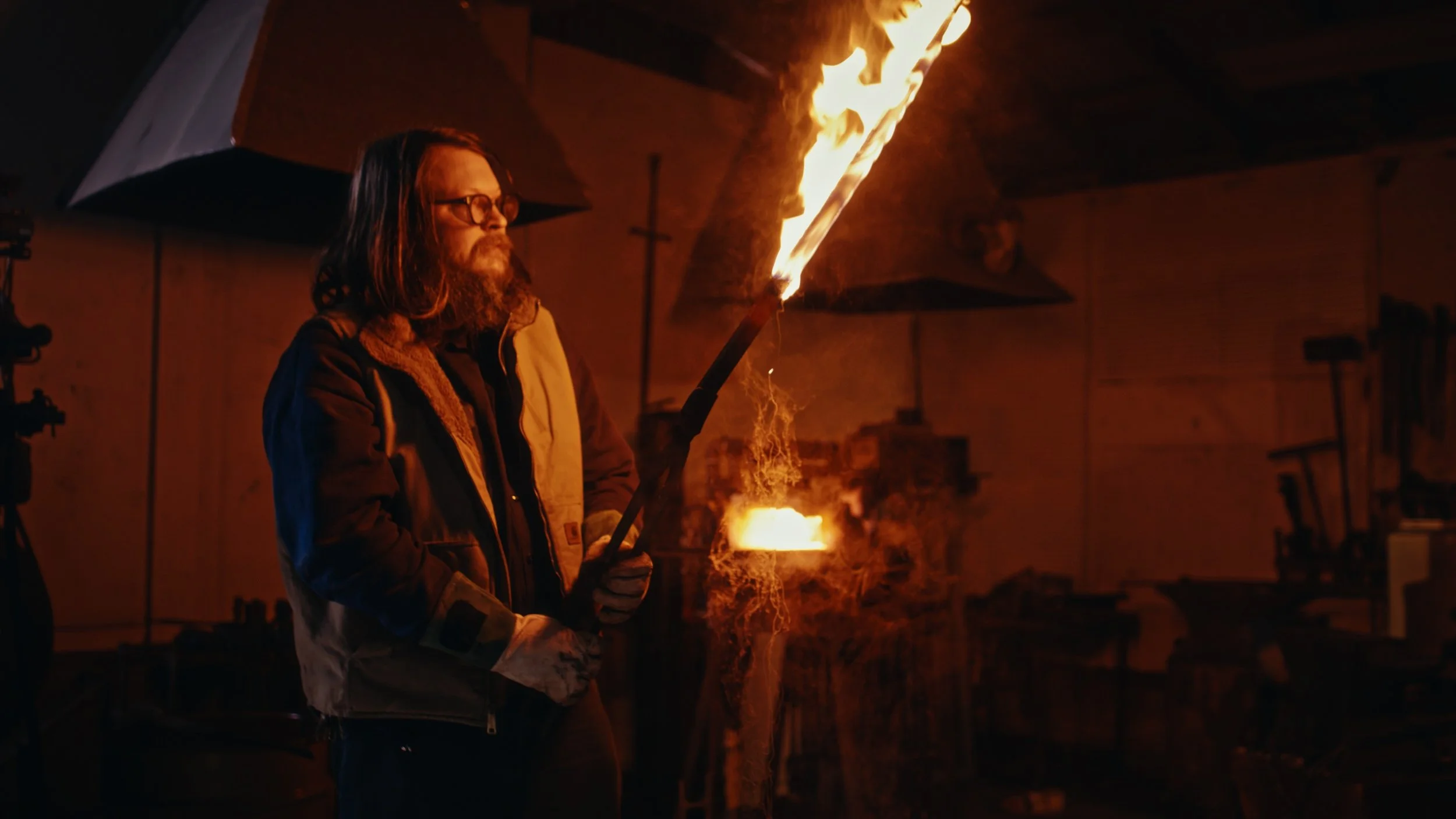
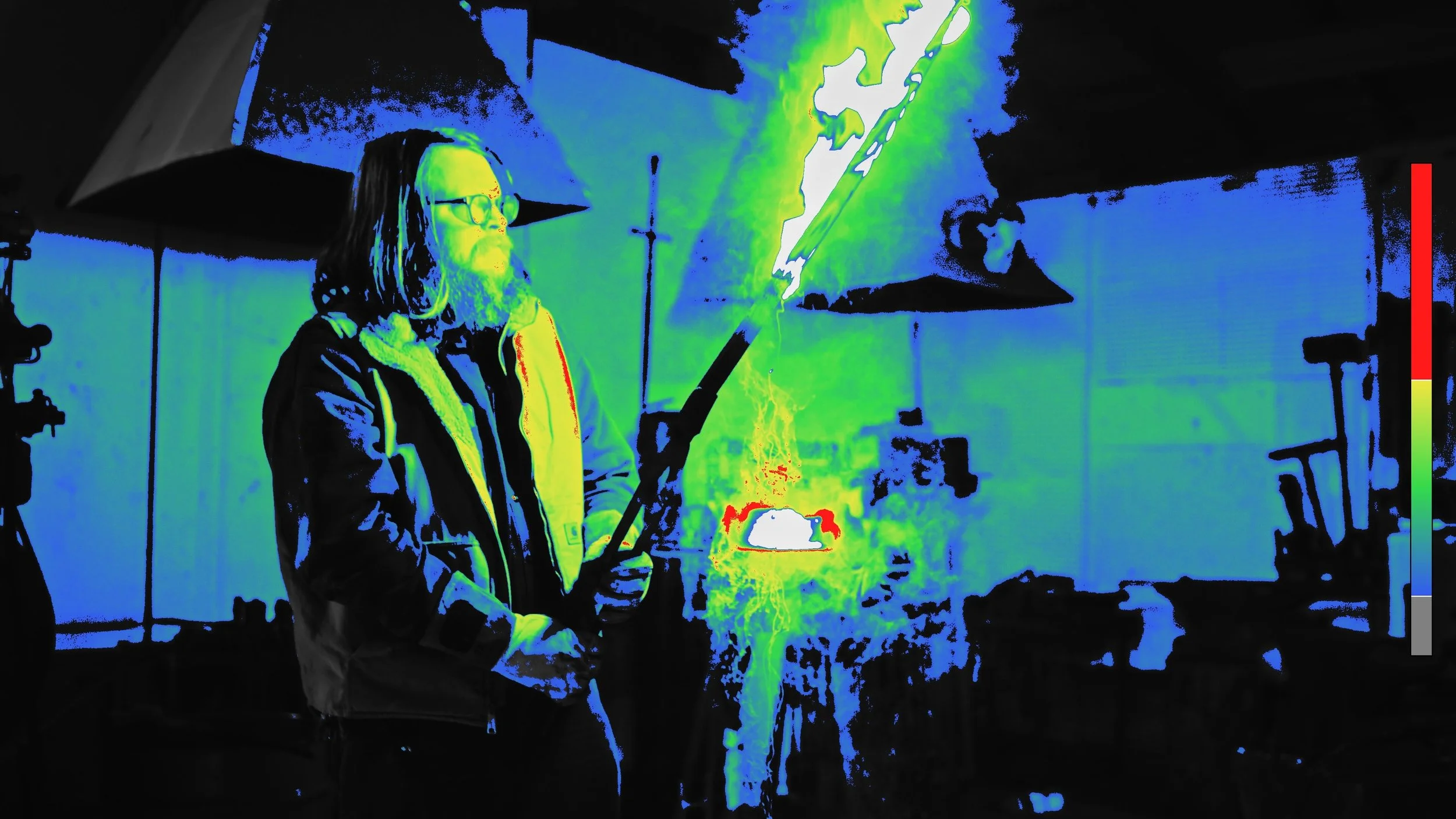
Heat Map
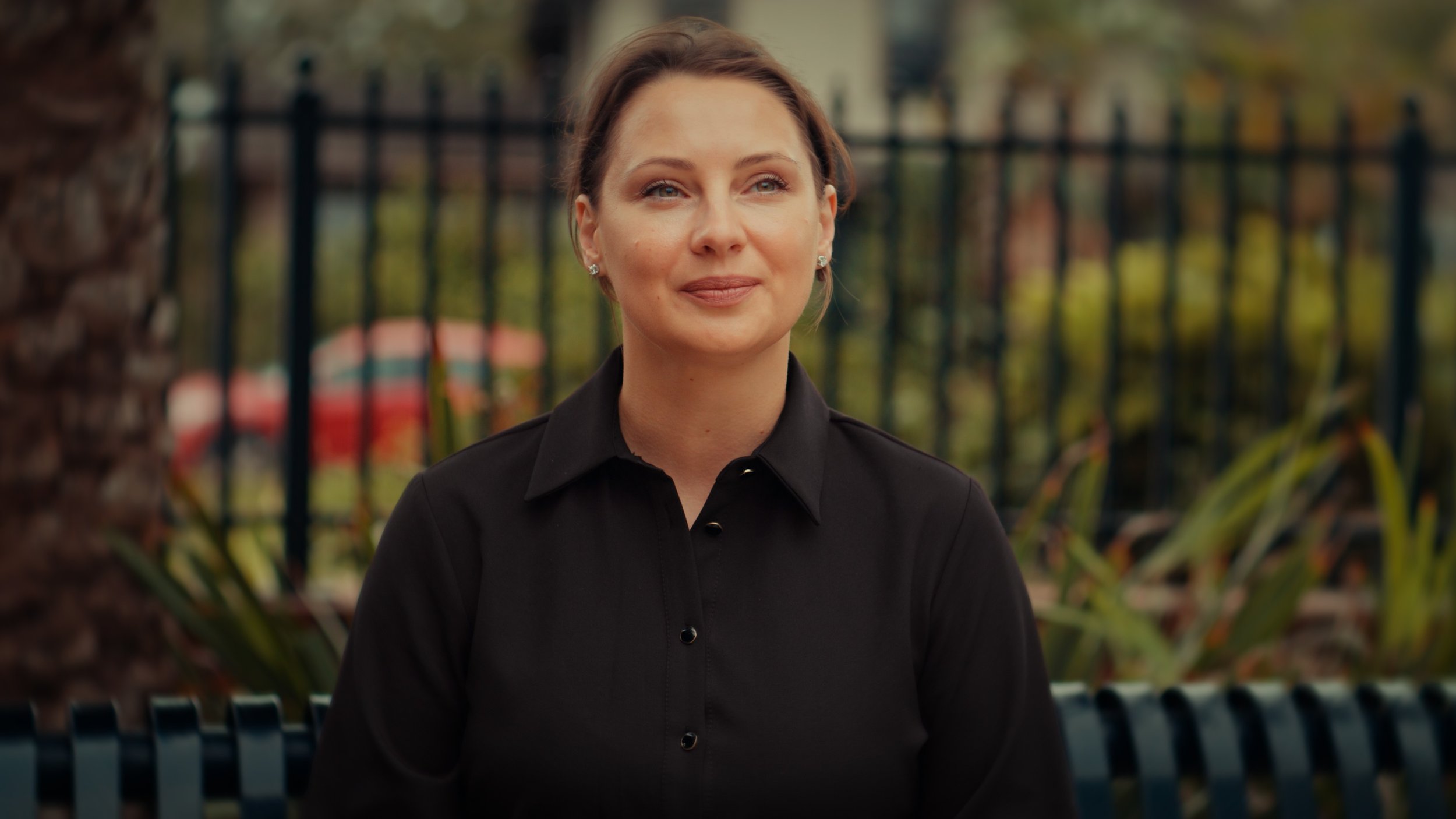
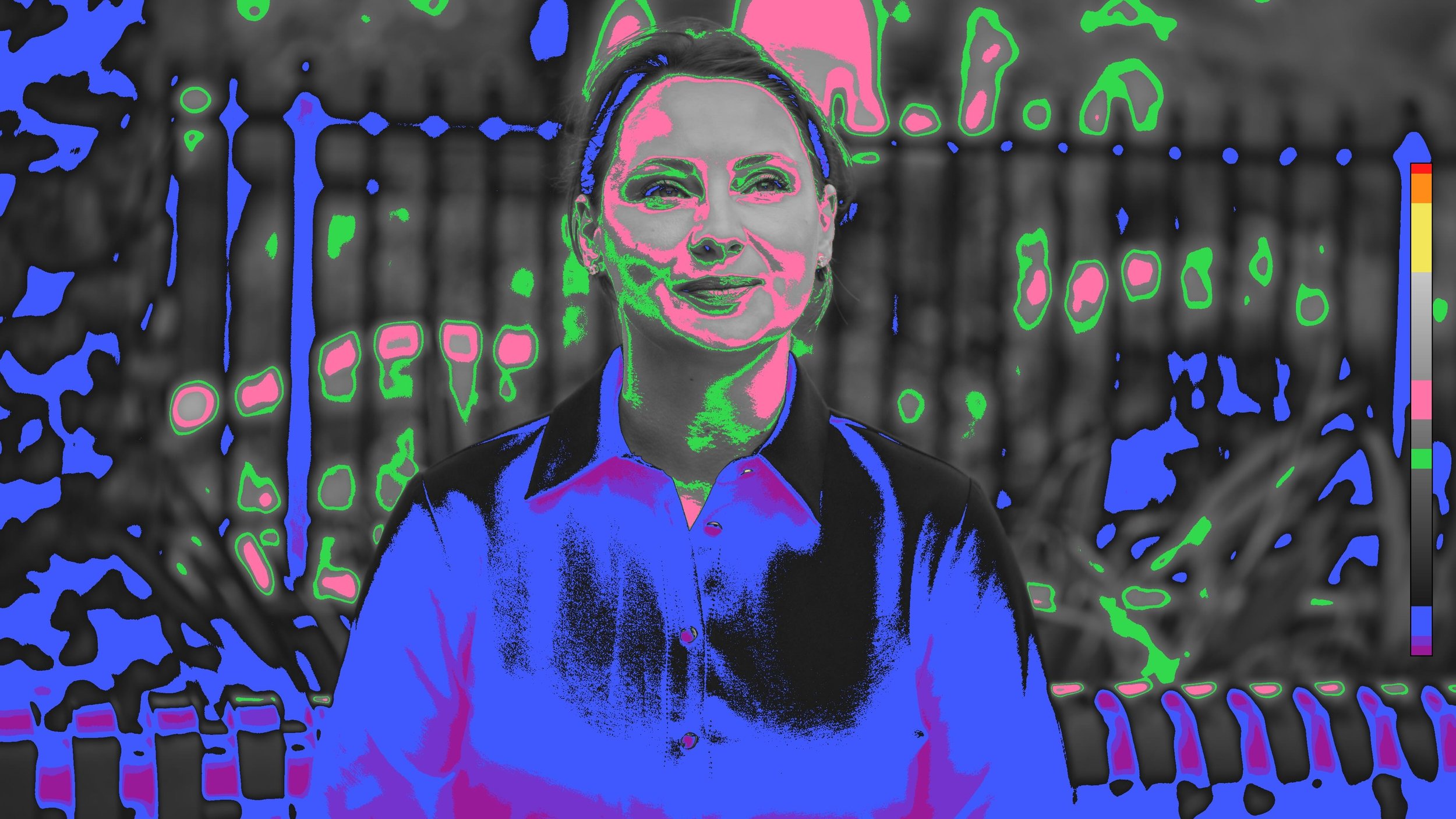
A false color diagnostic showing where exposure lands across the frame, with a legend on screen so you are reading values instead of interpreting colors. Grade with your eyes open.
Sat Map
A saturation readout of the whole image, with two thresholds: one for color running hot, one for color draining out. The fastest way to keep saturation even across a whole spot.
The Sixth Tool
In final testing now. It ships free to everyone who owns the bundle, no repurchase and no upgrade fee.
Everything Together
Learn It, Then Own the Tools
The masterclass includes the PowerGrade, all the DCTLs, and the complete film stock and print LUT system it runs on, which is not sold separately anywhere. One purchase, the whole system.
Visit the Shop